Keep invoicing in QuickBooks. Change only the fee behind “Pay Now.”
You chose the invoicing. You never chose the processing rate attached to it — and only one of those has to change.
- Free, no obligation
- Books and templates stay put
- Payments still reconcile automatically
Same books. Same invoices. Different economics.
Everything below sits behind the invoicing you already use — not in place of it.
Two-way sync with your ledger
Works with QuickBooks Online, QuickBooks Desktop, and Xero. Invoices go out, payments post back against the right invoice, and nobody keys the same transaction into two systems.
Stored cards and autopay
For retainer clients and anything that repeats, the payment method stays on file and the invoice pays itself on schedule. Same amount, same day, no reminder needed.
ACH on every invoice
Electronic check offered alongside the card. On a large invoice, a flat transfer fee and a percentage of the total are not close to the same number — and the client usually doesn’t mind which one they use.
Already happy with QuickBooks? Keep it.
Changing your accounting software and changing your payment processing are two different decisions, and they don’t have to happen together. Your books stay where they are. Your invoice templates stay as they are. What we’re looking at is the cost of the payment that comes back — nothing upstream of it.
Hardware for the payments that don’t arrive through an invoice.
Most of your volume comes in through a pay link. For the rest, we spec the reader that fits how you actually collect — and if the equipment you already have carries over, we’ll tell you to keep it.
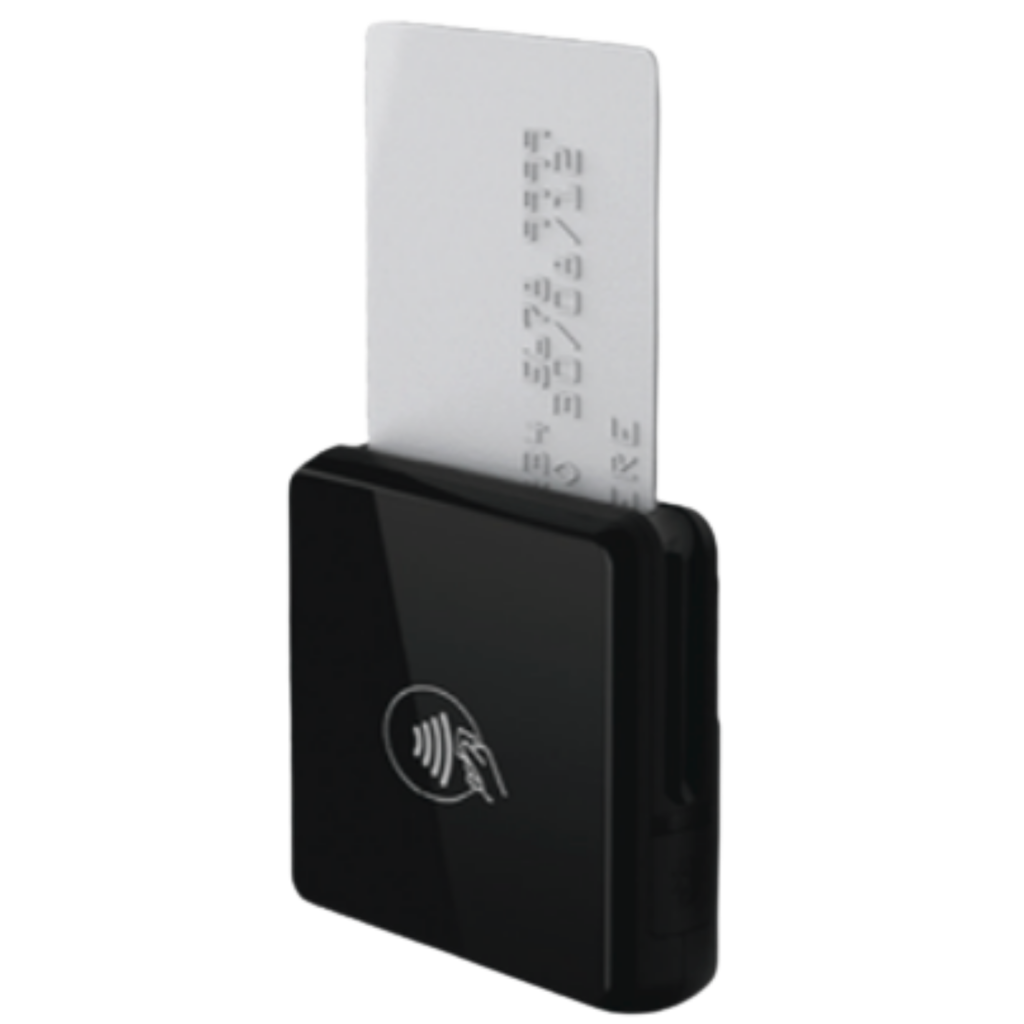
Mobile card reader
For the times a client wants to hand you a card in person.
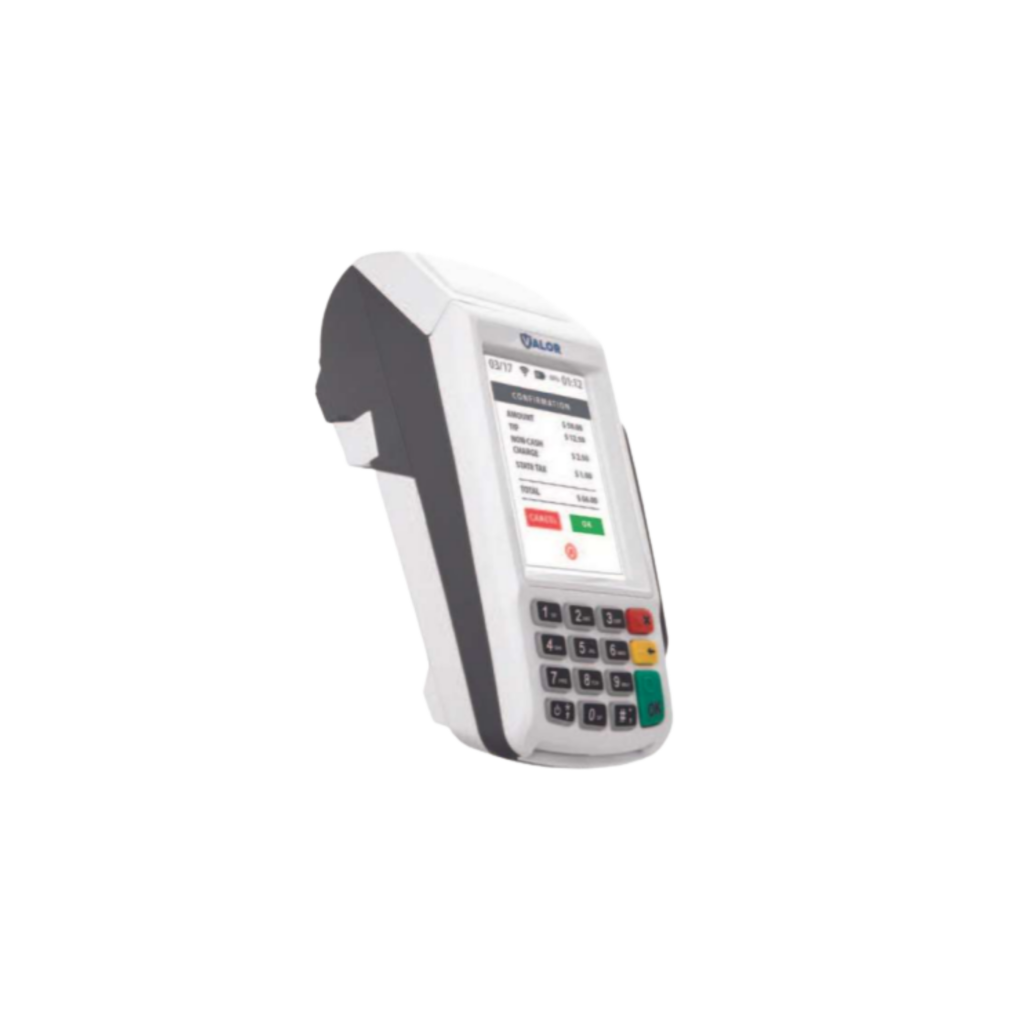
Countertop terminal
If you also take payment at a desk, a front counter, or a service window.
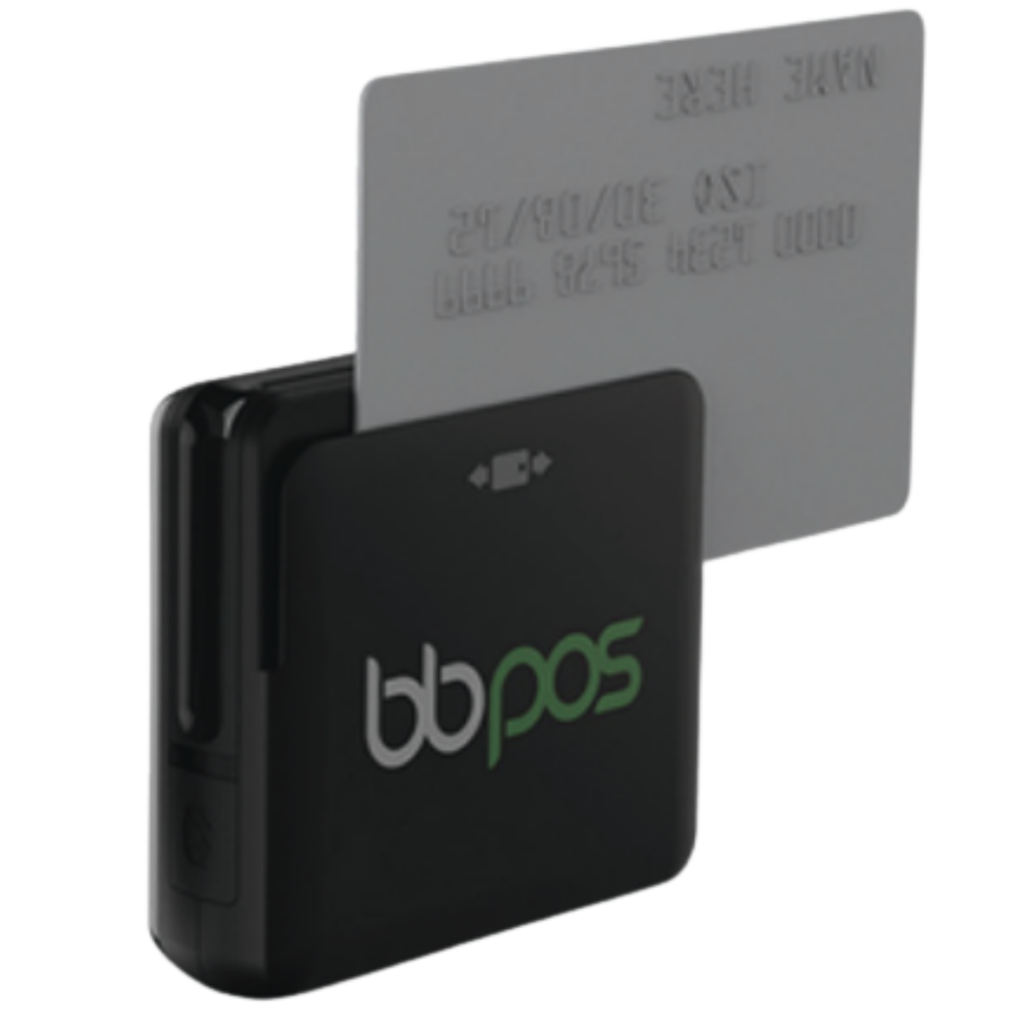
Contactless reader
Tap cards and mobile wallets, sitting alongside the invoicing you already send.
Read the lease before you sign anything
A multi-year terminal lease can end up costing several times what the hardware itself is worth, and these agreements often auto-renew and are written to be non-cancellable. If you’re already in one, send it over with your statements — we’ll read the terms and tell you plainly where you stand.
Three steps, and none of them touch your books.
Send two months of statements when you have ten quiet minutes. We’ll take it from there.
Send two statements
Two recent processing statements show your volume, your average invoice, your card mix, and every fee being charged. One month on its own can mislead — two in a row show the real pattern and catch fees that only bill on certain cycles.
We shop it for you
We take your profile to the providers we work with and have them compete against each other for your business. You never make a call, sit through a pitch, or field a follow-up you didn’t ask for.
You get one clear answer
What you pay now, what you’d pay instead, and the twelve-month difference in dollars. If you’re already priced well, we’ll say so.
What bookkeepers and owners ask us.
No. That’s the entire point of this page. You keep your company file, your chart of accounts, your invoice templates, and the way your team already works. Nothing about your bookkeeping changes.
What changes is the processing sitting behind the payment link on the invoice — which company handles the transaction, and what they charge for it. Your client still clicks a link and pays. The payment still lands against the right invoice.
Yes — that’s the requirement, not a bonus. The setups we place use an invoicing automation layer that syncs with your books in both directions: invoices flow out, payments post back against the invoice they paid, and the deposit ties out without anyone matching it by hand.
If a provider can’t demonstrate that cleanly on your version of your software, we don’t recommend them. Saving a few basis points isn’t worth handing your bookkeeper a manual matching job every month.
Both, and Xero as well. Desktop is worth calling out because a lot of businesses running it assume they’ve been left behind by anything modern. They haven’t — there are sync tools built specifically for Desktop company files.
Tell us which product and roughly which version you’re on when you send your statements, and we’ll confirm exactly what’s supported before anyone talks about pricing.
Sometimes, and there are real rules. Surcharging and dual pricing are legitimate programs, but the card brands govern them closely: debit cards cannot be surcharged at all, the surcharge has to be disclosed clearly before payment and itemized on the receipt, and there are caps on the amount. State law matters too. Set up carelessly, it’s a compliance problem rather than a savings plan.
For invoicing specifically, the version that tends to land best is offering a card option that carries the fee alongside an ACH option that doesn’t. The client keeps a genuine free way to pay, so the conversation stays easy. We’ll walk you through how it would read on your invoices and set it up compliantly if you want it. Plenty of businesses look at it and pass, which is a perfectly good answer.
Two statements. Ten minutes. A real answer.
Keep the invoicing you like. Find out whether the fee behind it still makes sense.